Electronic signatures
Electronic signatures that keep documents moving.
Prepare documents, send them to the people who need to act, collect signatures, and keep visibility into the process from request to completion.
- Step 1
Prepare
Set up the document before sending.
- Step 2
Send
Route it to the appropriate recipient.
- Step 3
Sign
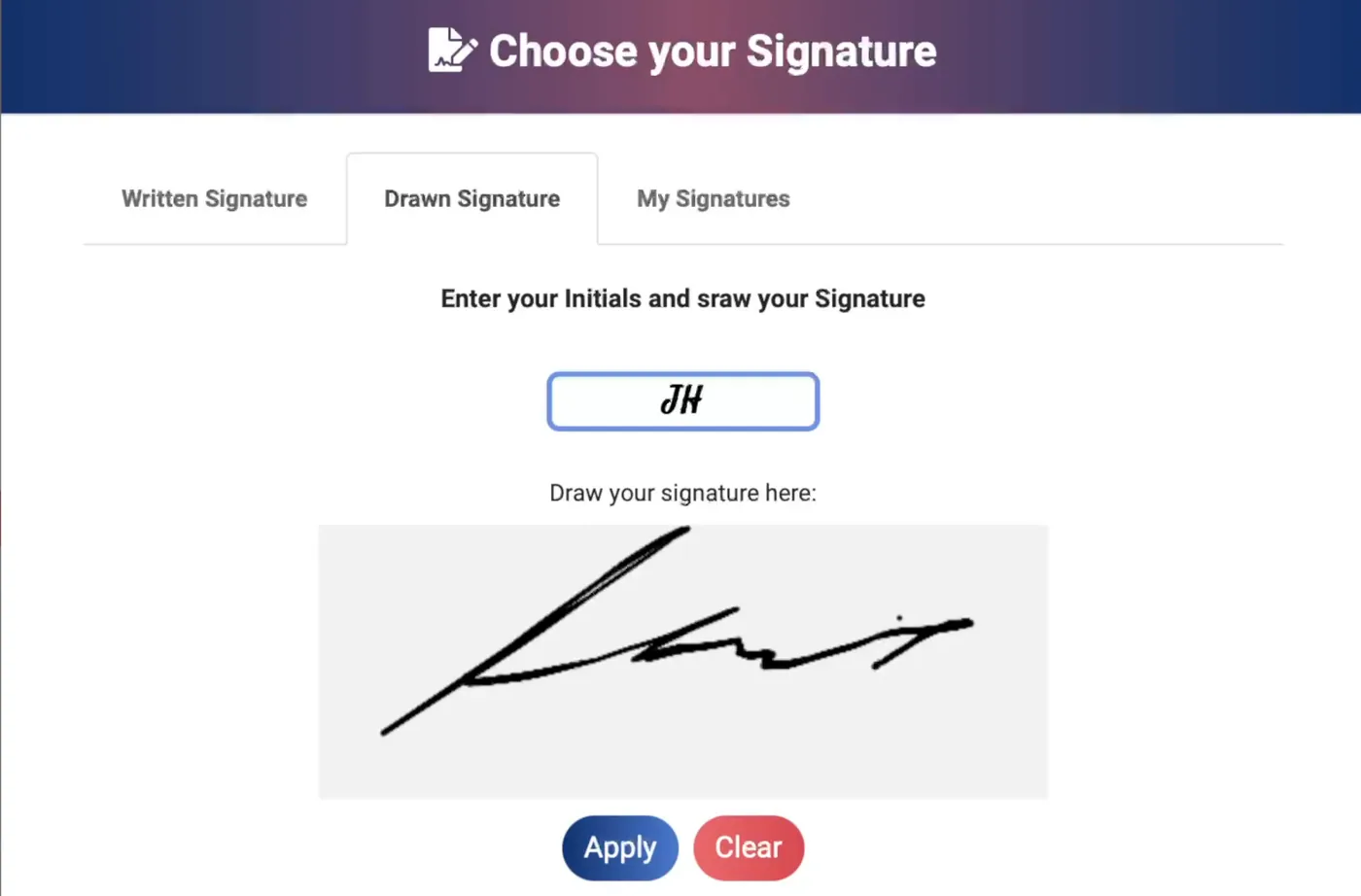
Collect electronic signatures digitally.
- Step 4
Track
Follow the document through the process.
- Step 5
Complete
Keep the completed workflow organized.
Move beyond paper-based signing
Spend less time printing, scanning, sending, and chasing documents.
Electronic signatures remove unnecessary paper-based steps from agreement workflows while giving senders and recipients a clearer way to move documents toward completion.
Faster handoffs
Move documents from sender to recipient without printing and scanning.
Better visibility
Keep track of where documents are in the process.
Simpler recipient experience
Give recipients a clear way to review and complete required actions.
More organized workflows
Keep document activity together instead of spreading it across email, paper, and manual follow-up.
How eSignbold works
From document to signature in a clear workflow.
Prepare the document, add fields and recipients, send it for action, and follow the workflow through completion.
- 1
Prepare
Upload or create the document you need to send.
- 2
Add fields
Define what recipients need to complete or sign.
- 3
Add recipients
Choose who needs to review, complete, approve, or sign.
- 4
Send
Start the document workflow.
- 5
Complete
Recipients review and complete their required actions.
- 6
Track
Follow progress and keep the completed workflow organized.
For senders
Prepare once. Keep the signing process visible.
Review the document, add the required fields, and connect each action to the right recipient before you send. A clear setup gives everyone a better starting point.
Decide whether recipients can act together or need to follow a signing order. After sending, use progress information to understand what is complete and where follow-up is needed.
Explore signature workflowsFor recipients
Give every recipient a clear path to completion.
Keep the agreement and the actions it requires easy to follow. Recipients can review the document and complete their assigned fields through supported signing workflows.
Send signing requests by email or SMS and guide recipients toward the information and signatures that need their attention. Supported mobile workflows help people act when they are away from their desks.
Explore online signingMultiple people. One clear process.
Coordinate complex signing workflows without losing visibility.
Use recipients, signing order, reminders, notifications, and workflow routing to manage documents that require action from more than one person.
More than the signature
Signing is one step in a larger document workflow.
eSignbold brings together the work that happens before, during, and after a signature—from preparing a document and collecting information to following progress and organizing the completed workflow.
Business workflows
One clear signing flow for the documents that move work forward.
Sales
Proposals and customer agreements.
HR
Employment and employee documents.
Real estate
Transaction-related agreements.
Legal
Business agreements requiring signatures.
Procurement
Vendor and purchasing documentation.
Security and legality
Trust matters when documents carry real commitments.
Use verified security controls, audit trails, and document activity records to support trustworthy signing workflows.
Electronic signature FAQ
Questions about sending and signing documents.
Product-specific limits and legal requirements should always be confirmed for your intended workflow.
Ready when you are
Ready to send your next document?
Prepare it, route it, get it signed, and keep the workflow moving with eSignbold.